 Get Actions and Stuff
 NEW
Player actions
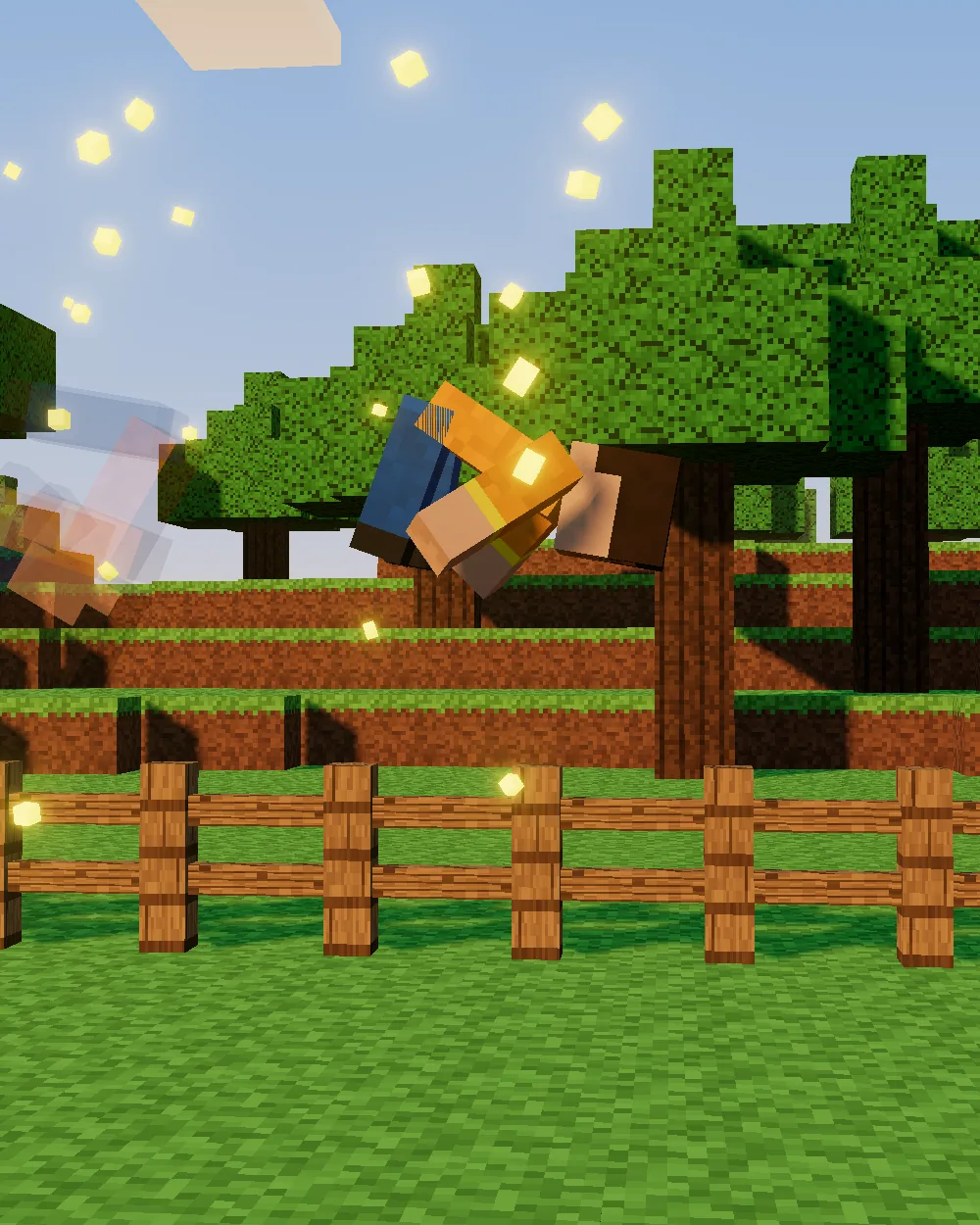
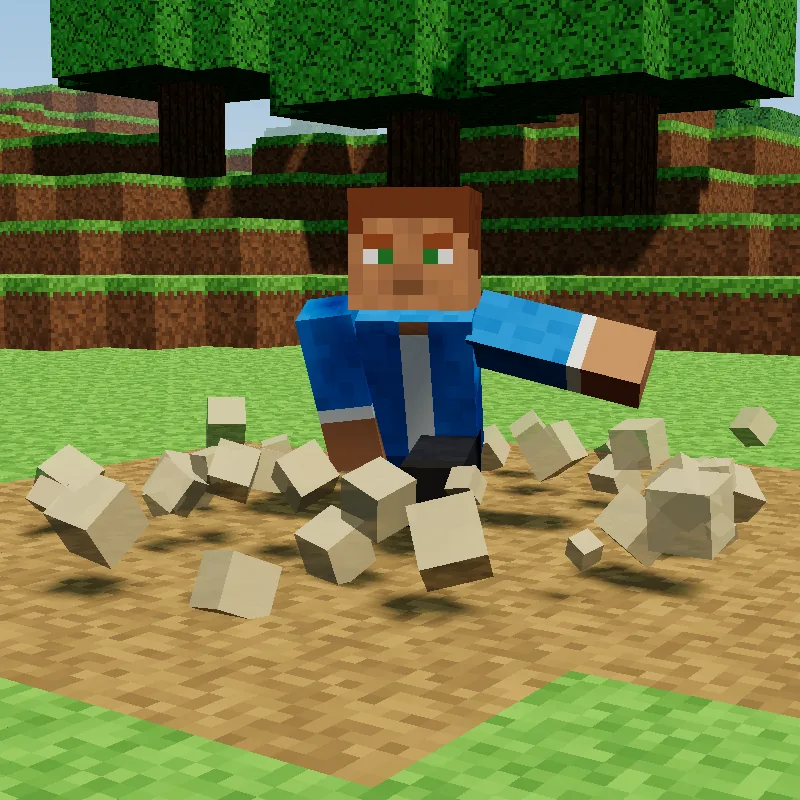
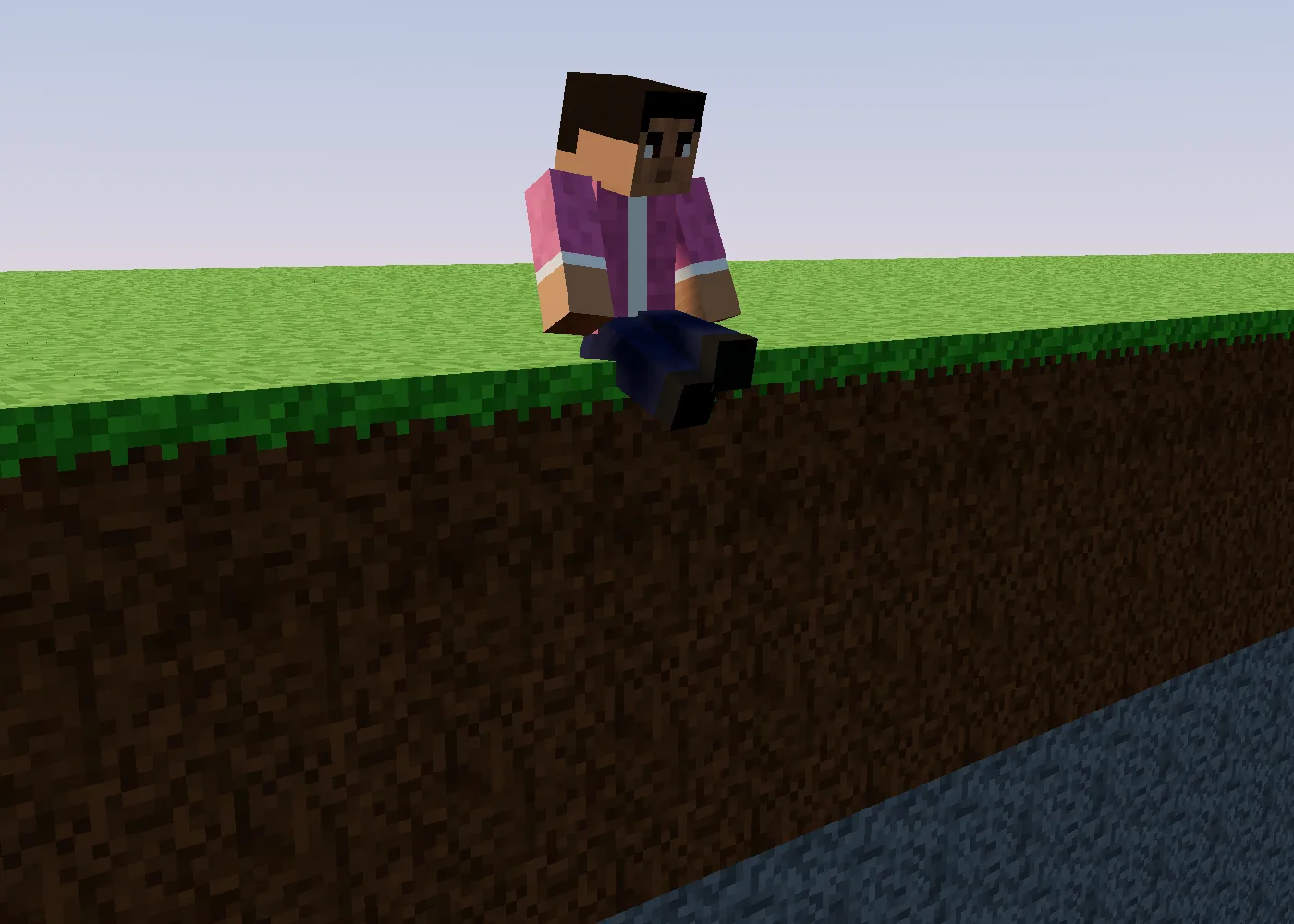
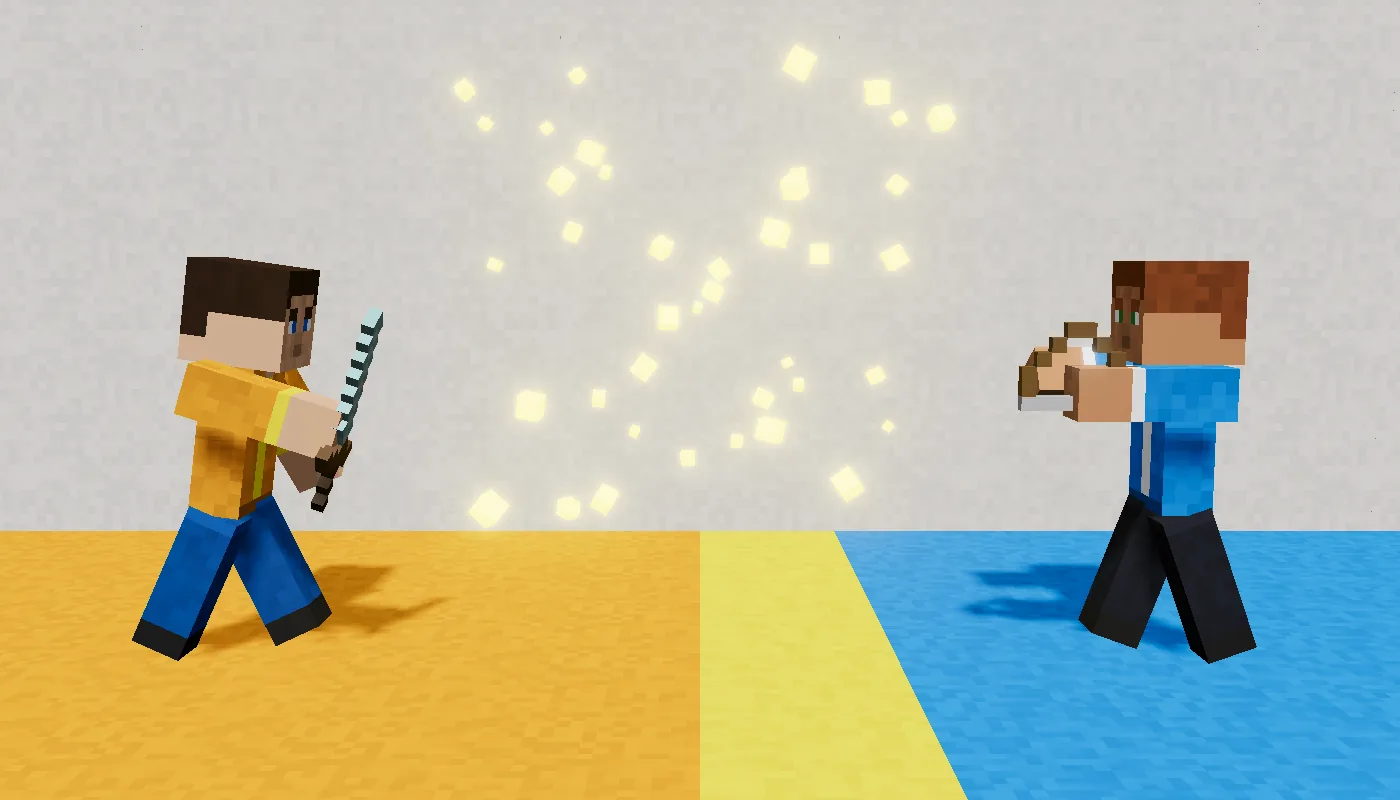
Mid-air flips, roll landings, superhero landings with a dust ring, and sitting anywhere by sneaking and looking down for five seconds.
A&S Minecraft Bedrock animation add-on
Actions and Stuff transforms the familiar Minecraft experience with fluid character animations, expressive mob movements, refined 3D models, and immersive visual enhancements. Discover a richer presentation that brings greater depth, personality, and visual distinction to every adventure.
From the studioMade by Oreville Studios and sold only on the Minecraft Marketplace.
Actions and Stuff is a visual add-on for Minecraft Bedrock that brings more expressive movement and detail to the game.
It enhances player and mob animations, adds detailed 3D models for items and tools, and refines textures, particles, and sounds while preserving familiar Minecraft gameplay.
Apply Actions and Stuff to a Bedrock world to enjoy its visual enhancements while retaining the core Minecraft experience.
Each panel below is one layer of the pack. Most can be switched on or off in the in-game settings menu, so you can keep only the parts you like.
 NEW
Mid-air flips, roll landings, superhero landings with a dust ring, and sitting anywhere by sneaking and looking down for five seconds.

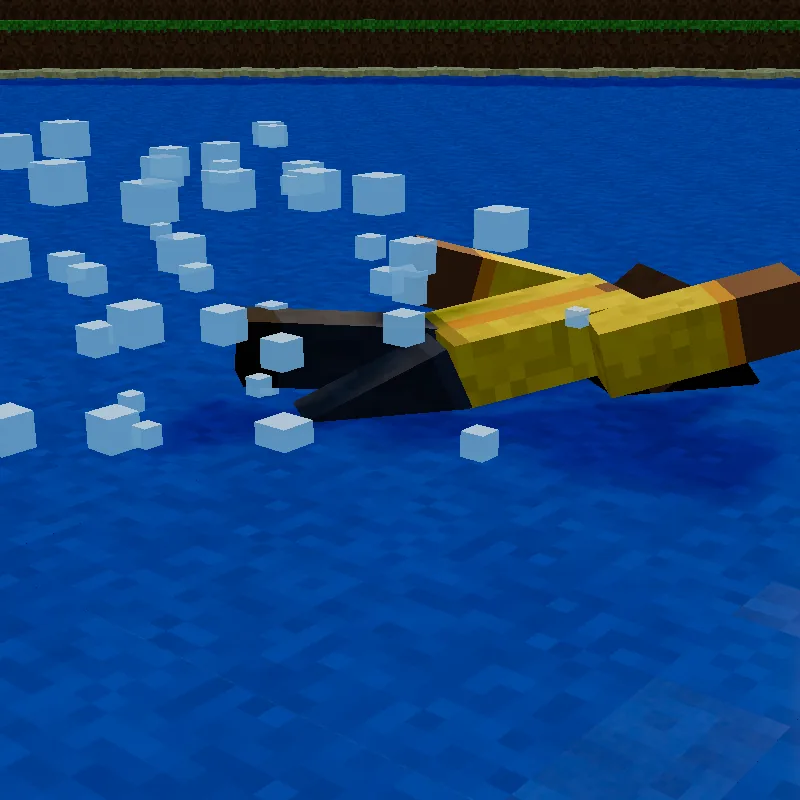
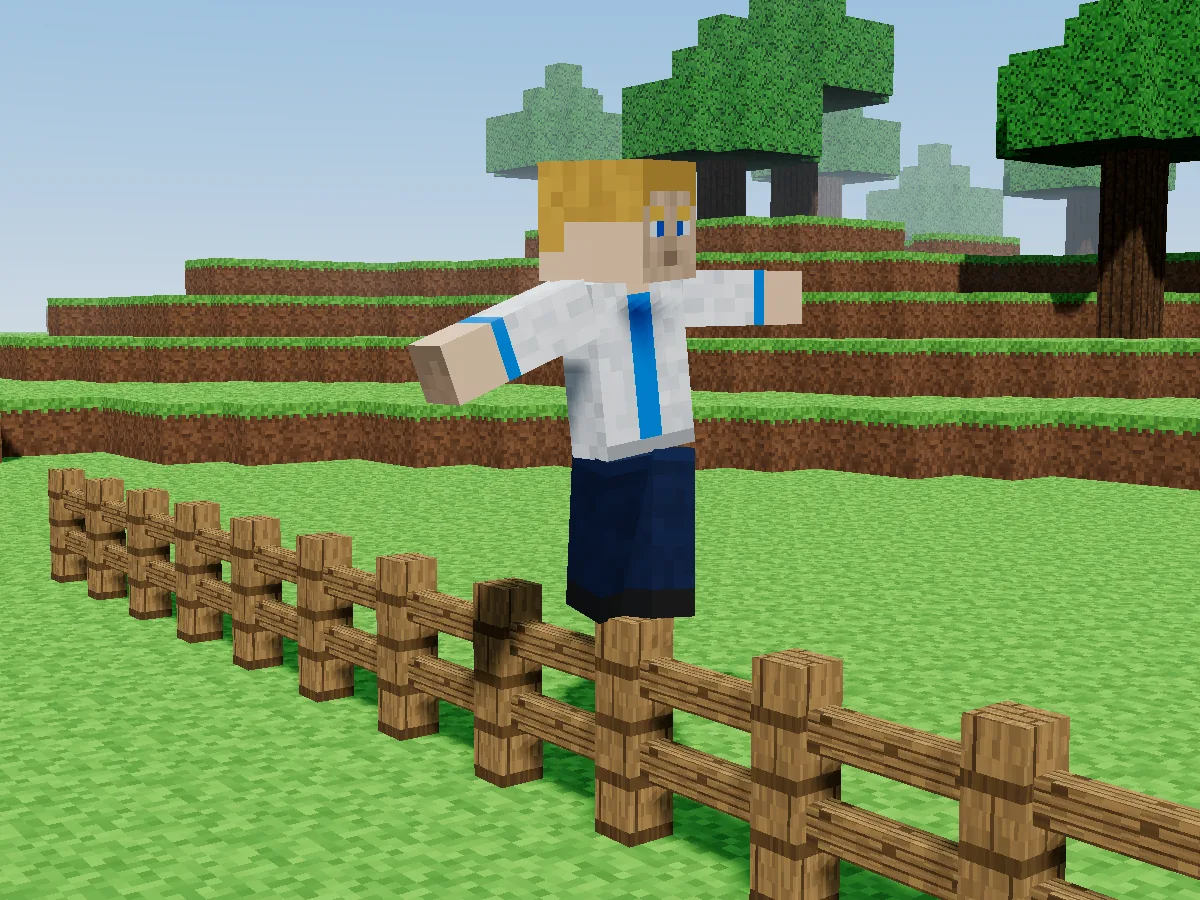
Smoother strafing, blended jumps and landings, better sneaking and refined hurt reactions.

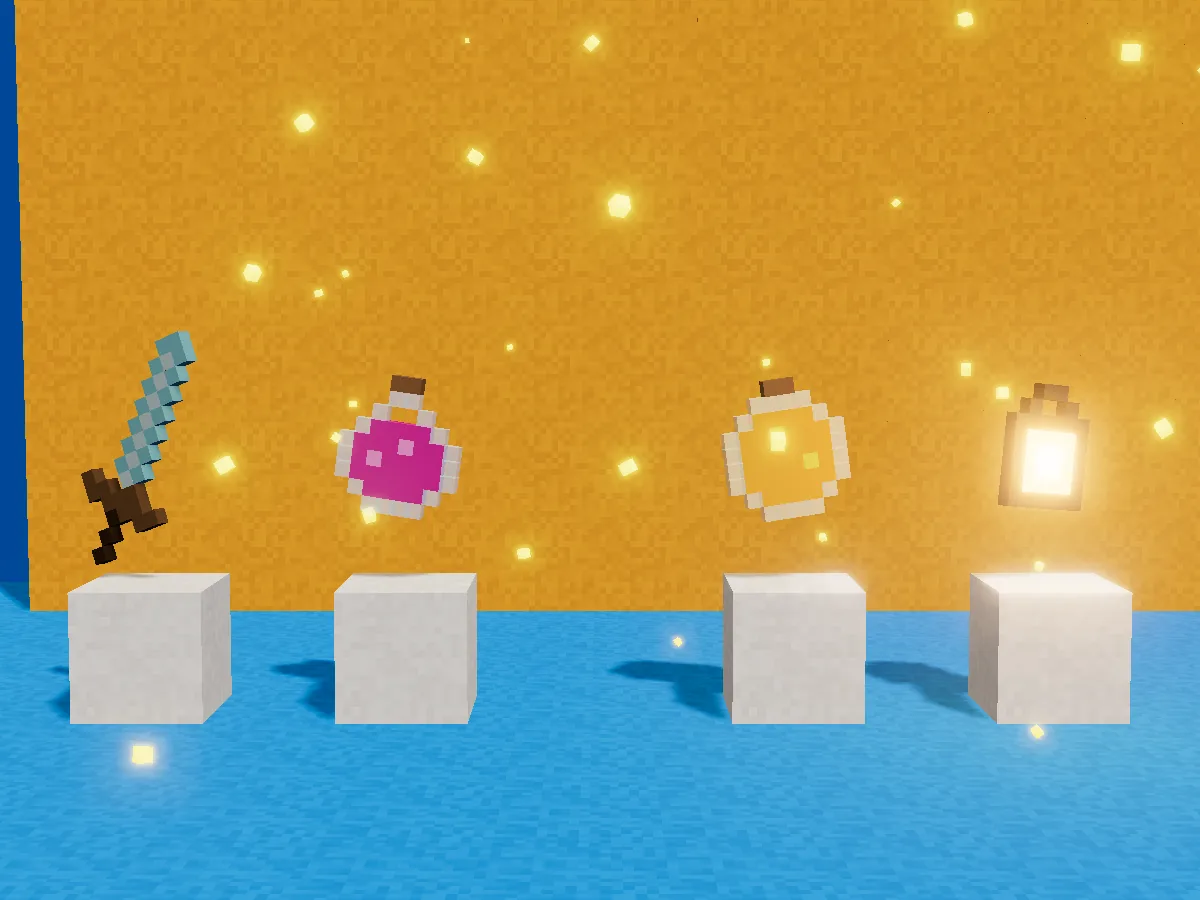
Swords, axes, pickaxes, bows, potions, beds, banners, fireworks, honey bottles and tipped arrows get depth. 3D tools can be toggled.

Most player skins blink, move their pupils and raise their eyebrows, a layer added back in version 1.5.

Tiny Takeover support gives every mob a baby form. Hostile babies spawn at 0.5%, friendly ones at 5–20%, or call one up with a name tag.

Cherry-blossom mobs in Cherry Groves (the pink "Blossom" Creeper, the "Strawberry" Cow), plus Halloween and festive name-tag sets.
 1.10
Transform into characters such as Rana the Frog Girl, Goober the Slime or Rusty the Redstone Golem, each with its own effects and sounds.
Fine-tune axolotl colours, morph visibility, entity variants, enchantment glint, totem opacity, rain particles and more, with Settings on the pack.

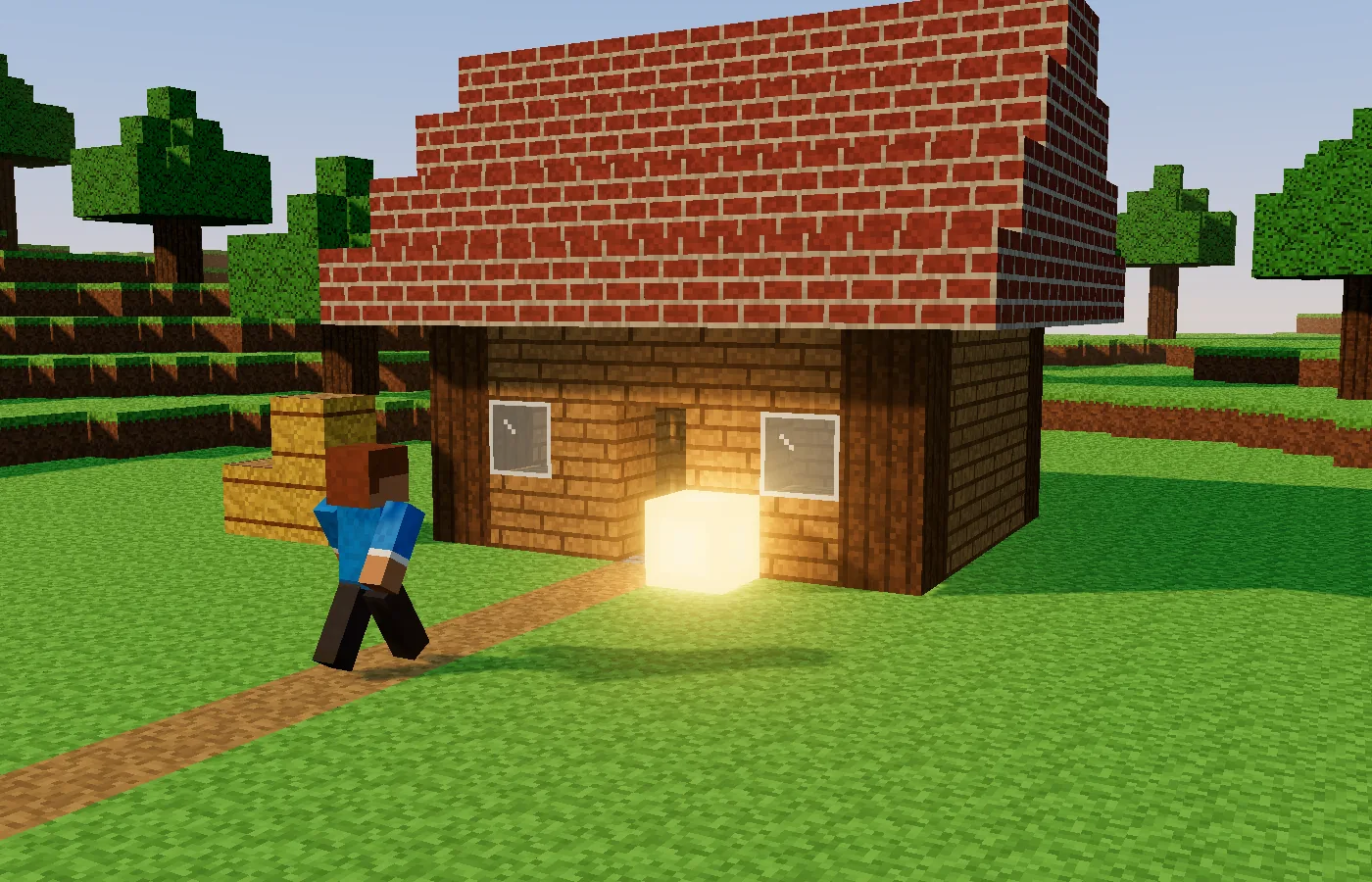
Coloured lighting, candles with flame particles, new flip, roll and landing sounds, and Vibrant Visuals tags on the latest listing.
No mods, loaders or launchers. Actions & Stuff uses the add-on system Bedrock already ships with.
The purchase is stored on your Microsoft account. Windows, Xbox, PlayStation, Switch, iOS and Android all download the same pack from your library.
Marketplace → Library
When the pack is active, Bedrock reads its geometry and texture files ahead of vanilla, so a sword in your hand becomes a sculpted 3D model.
Resource stack · top wins
Sprint off a four-block drop and a roll plays. Crouch in mid-air and you flip. The game already knows these states; the pack listens and animates.
Sprint + fall ≥ 4 → roll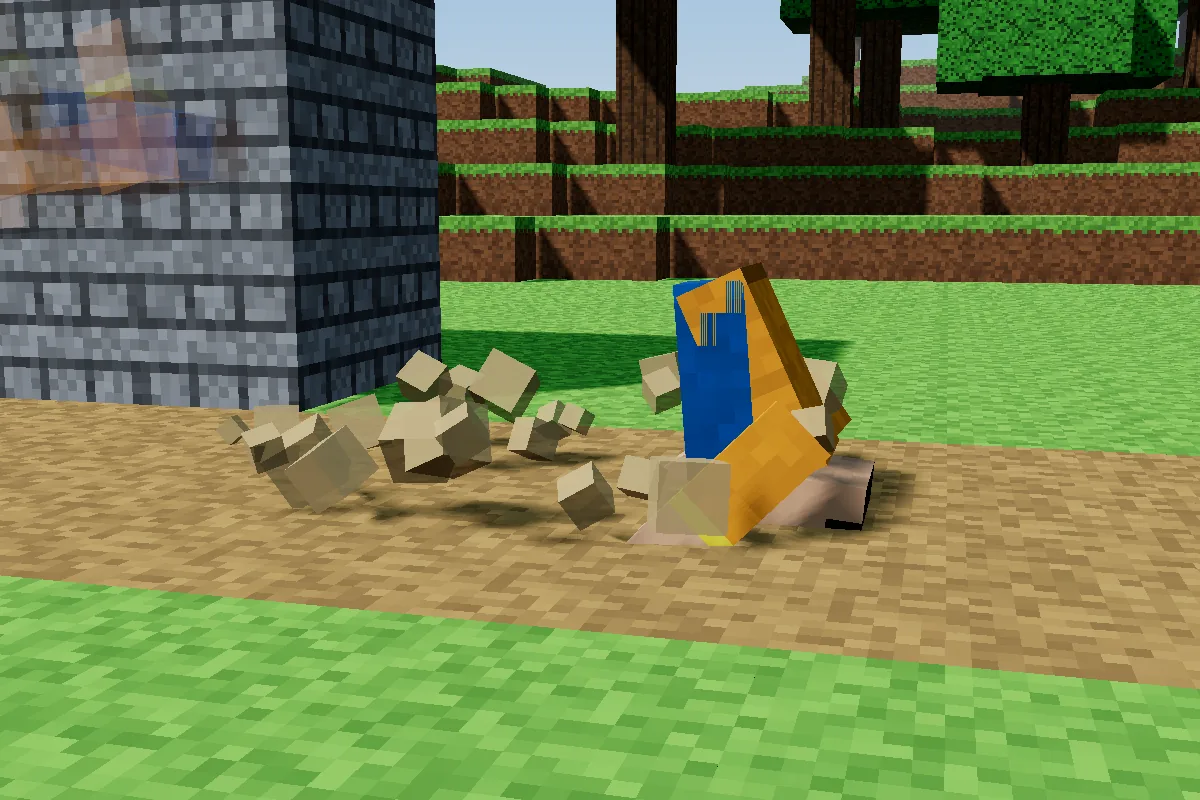
New poses fade into each other instead of snapping, which is why landings look weighted and turns look natural, even with vanilla hitboxes.
Gameplay stays vanilla
The settings menu switches individual systems on and off, from 3D tools to rain particles, and each world can carry its own setup.
Pack → Settings
Install Actions and Stuff through the Minecraft Marketplace on your Bedrock device.
Open Minecraft Bedrock and sign in with the Microsoft account you want the purchase tied to.
Open Marketplace and search “Actions & Stuff”. Check that the creator is Oreville Studios.
Buy it with Minecoins. It then sits in your library and downloads on any device using that account.
Add it to a world's Resource Packs, or to a Realm, and keep it at the top of the active list.
Open the pack's settings to choose 3D tools, variants and particles, then load in and try a sprint jump.
Removing the pack is just as easy. Deactivate it in the world's resource packs and everything goes back to vanilla on the next load. Your builds, inventories and progress aren't affected.
The pack plays differently depending on how you play. Here are the four styles that get the most out of it.
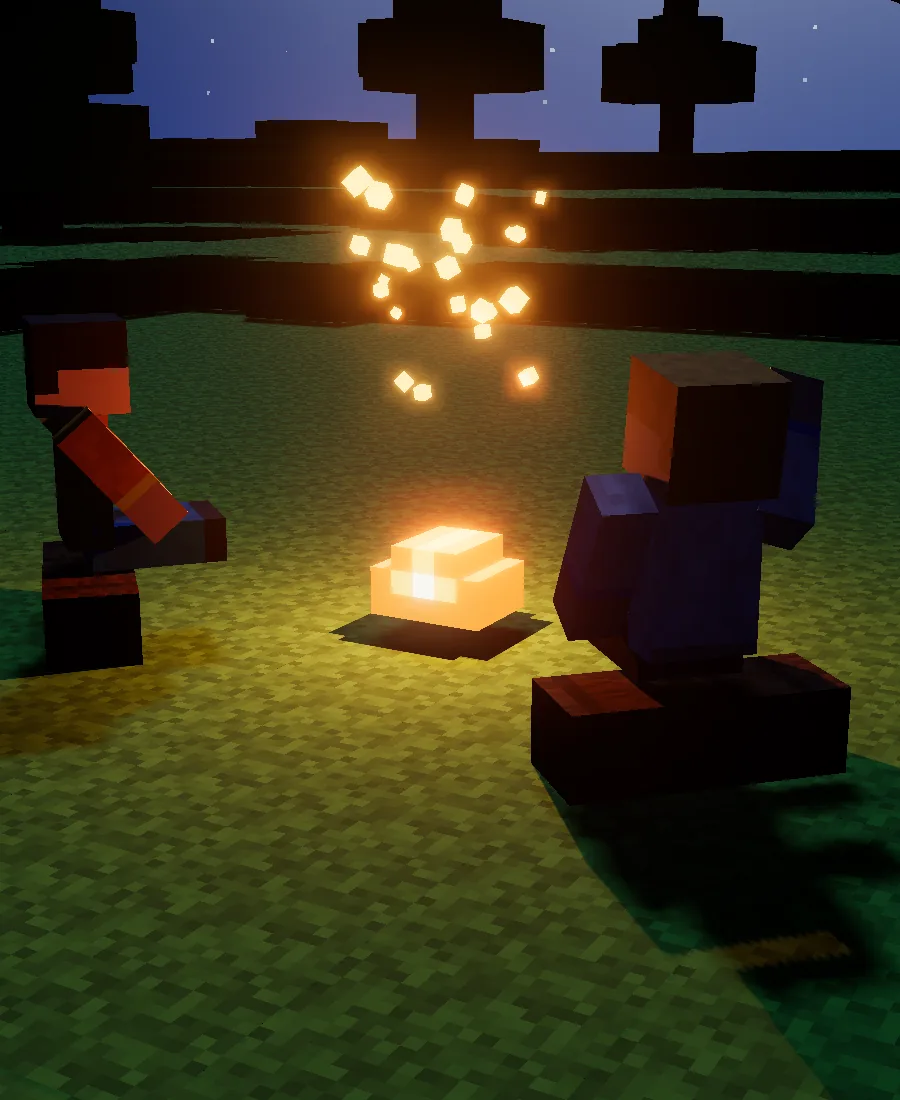
Roleplay servers, machinima and let's-plays gain body language that vanilla can't show.
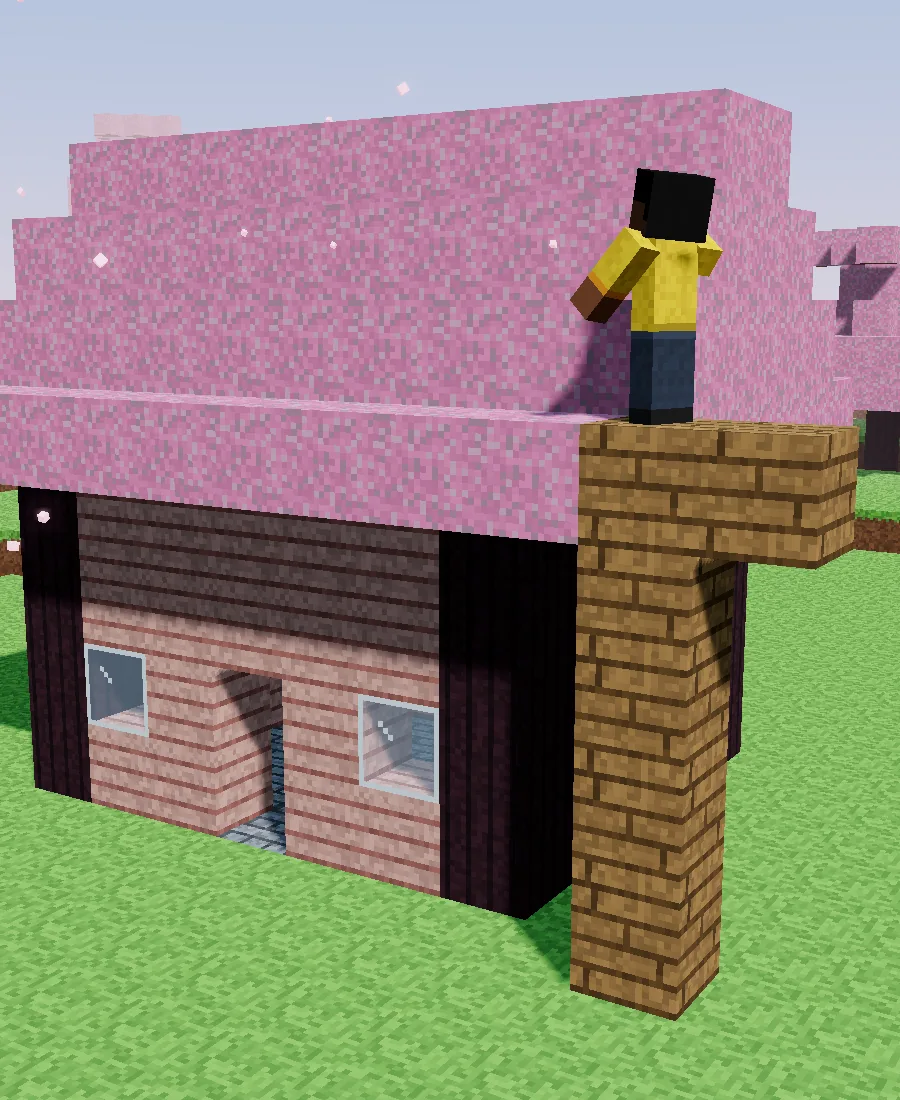
Screenshots look sharper with 3D items, props, planters and coloured light in every frame.
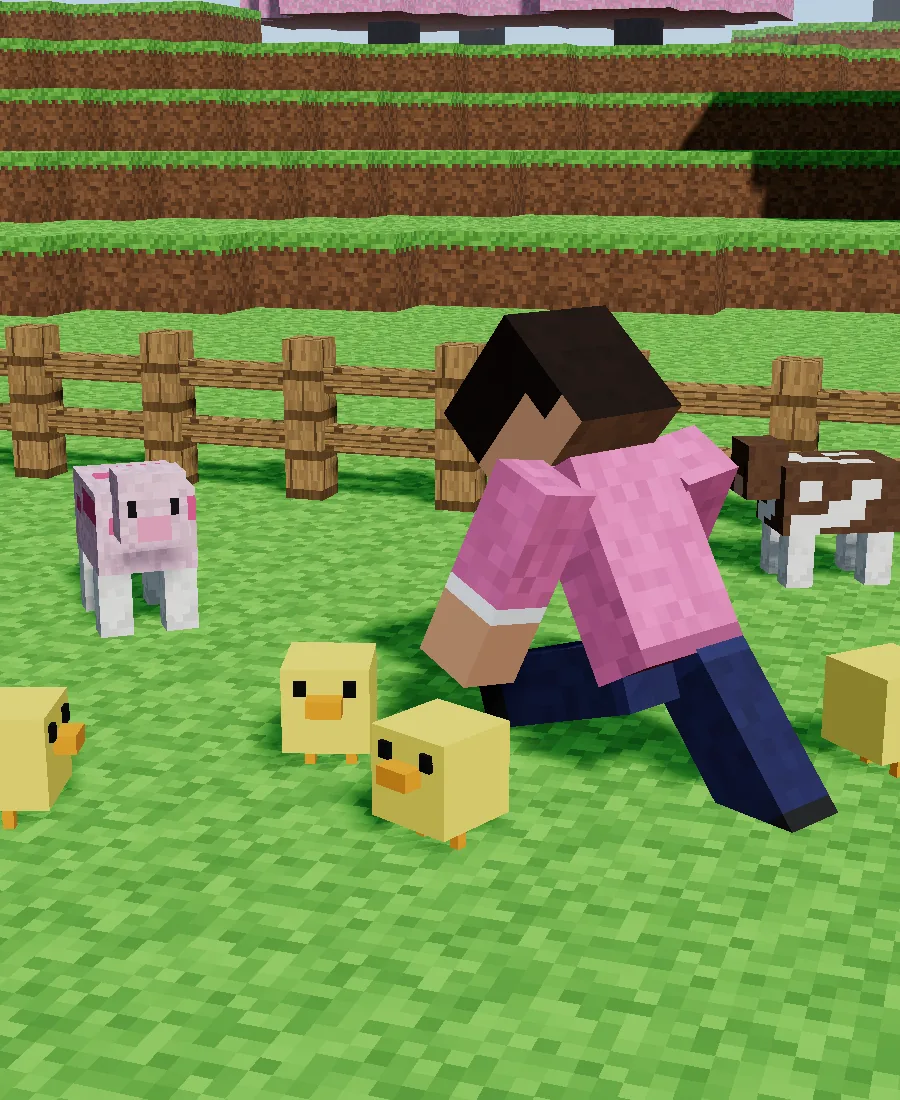
Younger players and pet collectors love the baby variants, name tags and cherry-blossom mobs.
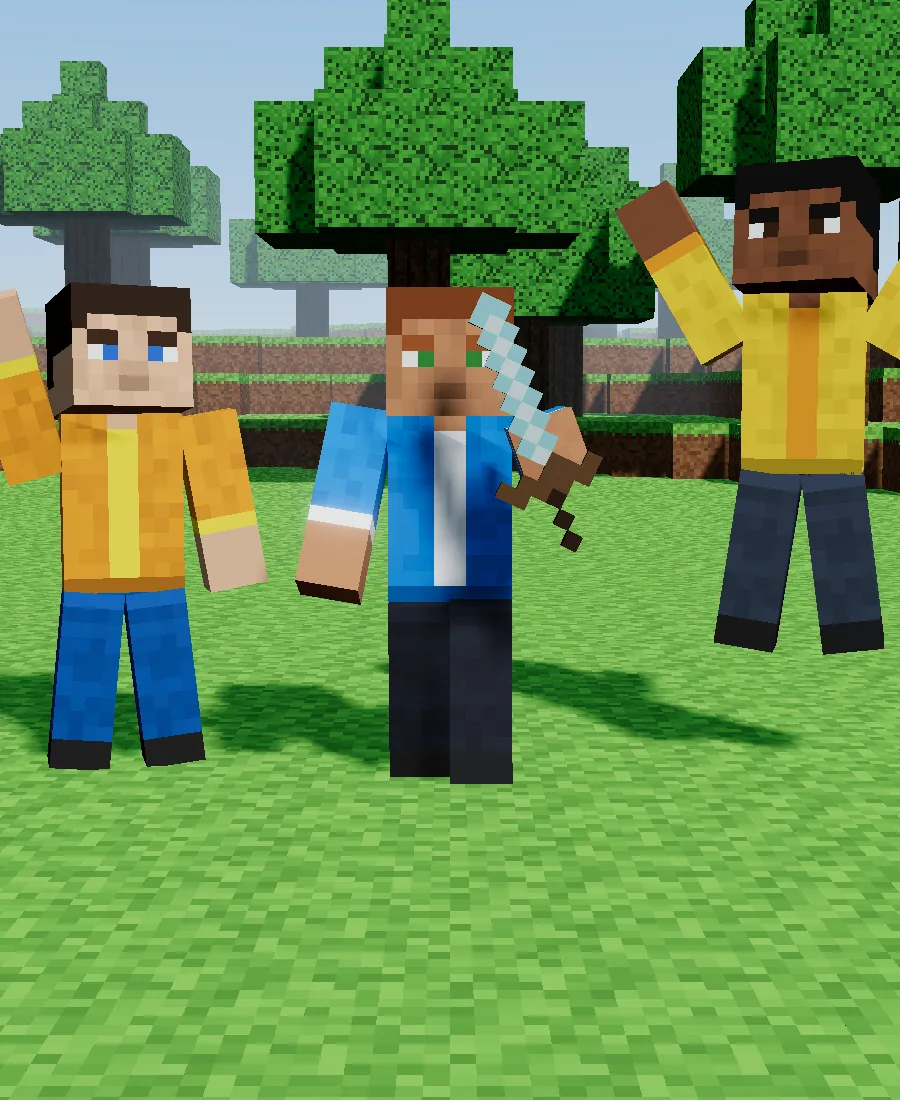
On Realms, friends see each other's flips and landings, which makes it a lot more fun to show off.
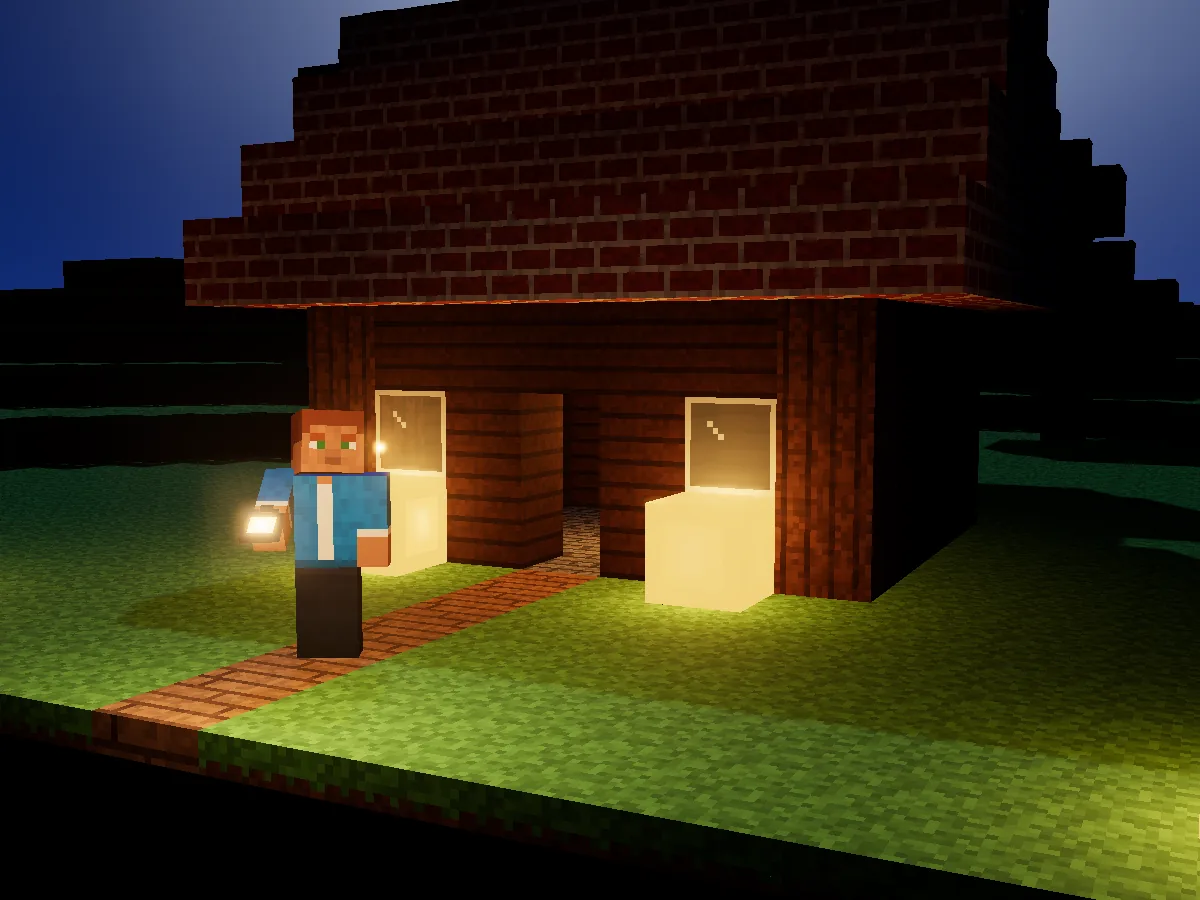
Find Actions and Stuff in the Minecraft Marketplace. Purchase it with your Microsoft account, download it to Minecraft Bedrock, and activate it in your world.
Actions & Stuff is Bedrock-only. Java players often ask how it compares with Fresh Animations, the best-known animation pack on that edition.
The bars above are an editorial comparison of feature coverage, not benchmark measurements.
| Feature | Actions & Stuff | Fresh Animations | Vanilla Bedrock | Java fan recreations |
|---|---|---|---|---|
| Edition | Bedrock | Java | Bedrock | Java |
| Price | Paid (Marketplace) | Free base pack | Included | Free |
| Player actions (flips, rolls, sitting) | Yes | NoMobs only | No | PartialMod-dependent |
| Mob animations | Yes | Yes | Basic | Partial |
| 3D items & tools | Yes | No | No | Partial |
| Needs extra mods | None | EMF + ETF | None | Several |
| Official from Oreville Studios | Yes | No | n/a | No |
These are the problems players report most often, with the fix that usually solves them. Open a balloon to read the reply.
Make sure you're signed in to the same Microsoft account that bought it, then open the Marketplace library and download it again. On consoles, a full restart of the game after the download finishes usually makes it appear.
Another pack is probably overriding the player model. Move Actions & Stuff to the top of the world's active resource packs, and remove skin or animation packs that edit the same files.
Update Minecraft and the pack together. Each release targets the current game drop, so a newer mob on an older pack, or the other way round, falls back to vanilla.
Lower the render distance by a few chunks, turn off Fancy Graphics if needed, and use the pack settings to disable rain particles and 3D tools. Close background apps before long sessions.
Actions and Stuff runs on supported Minecraft Bedrock devices. Performance depends on your device and graphics settings.



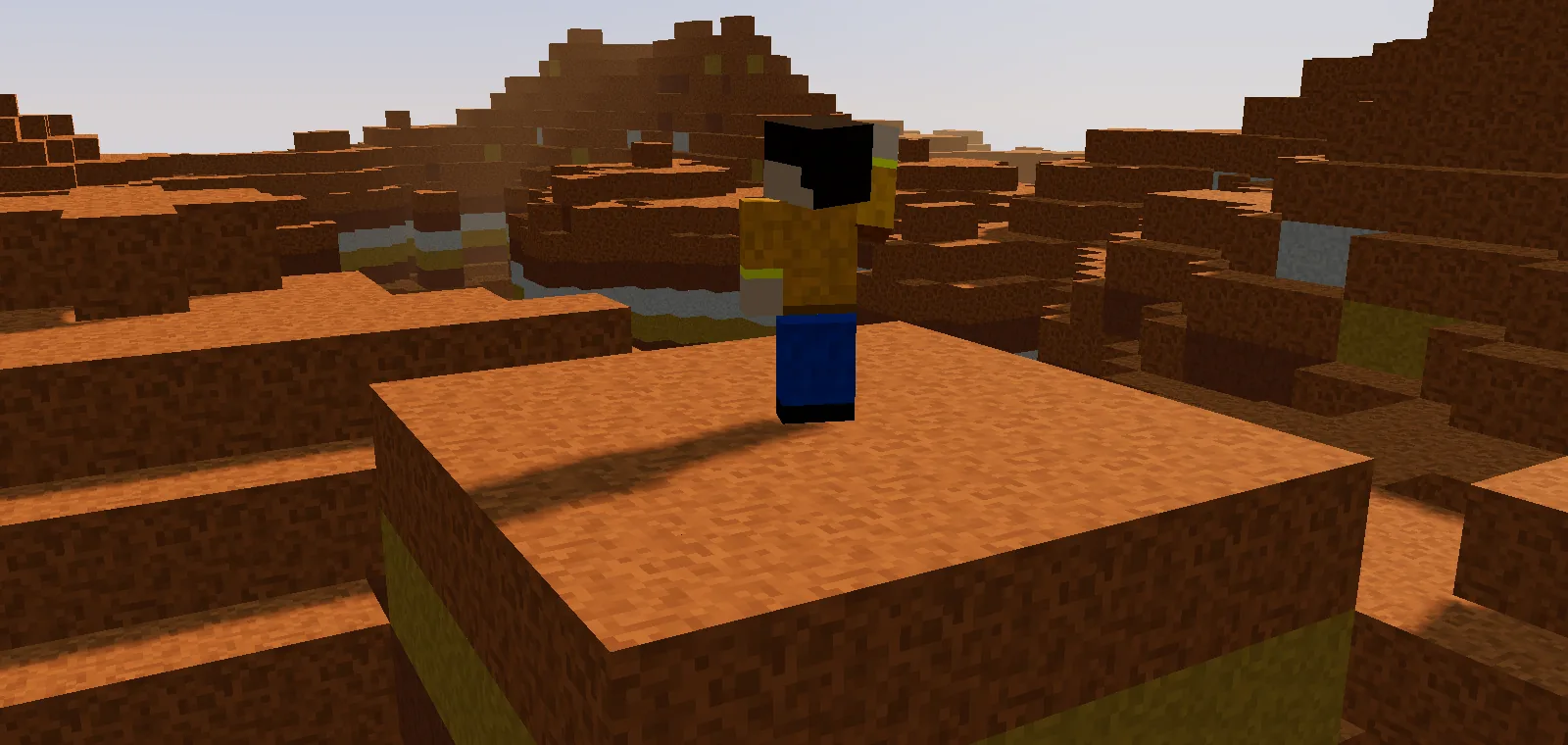
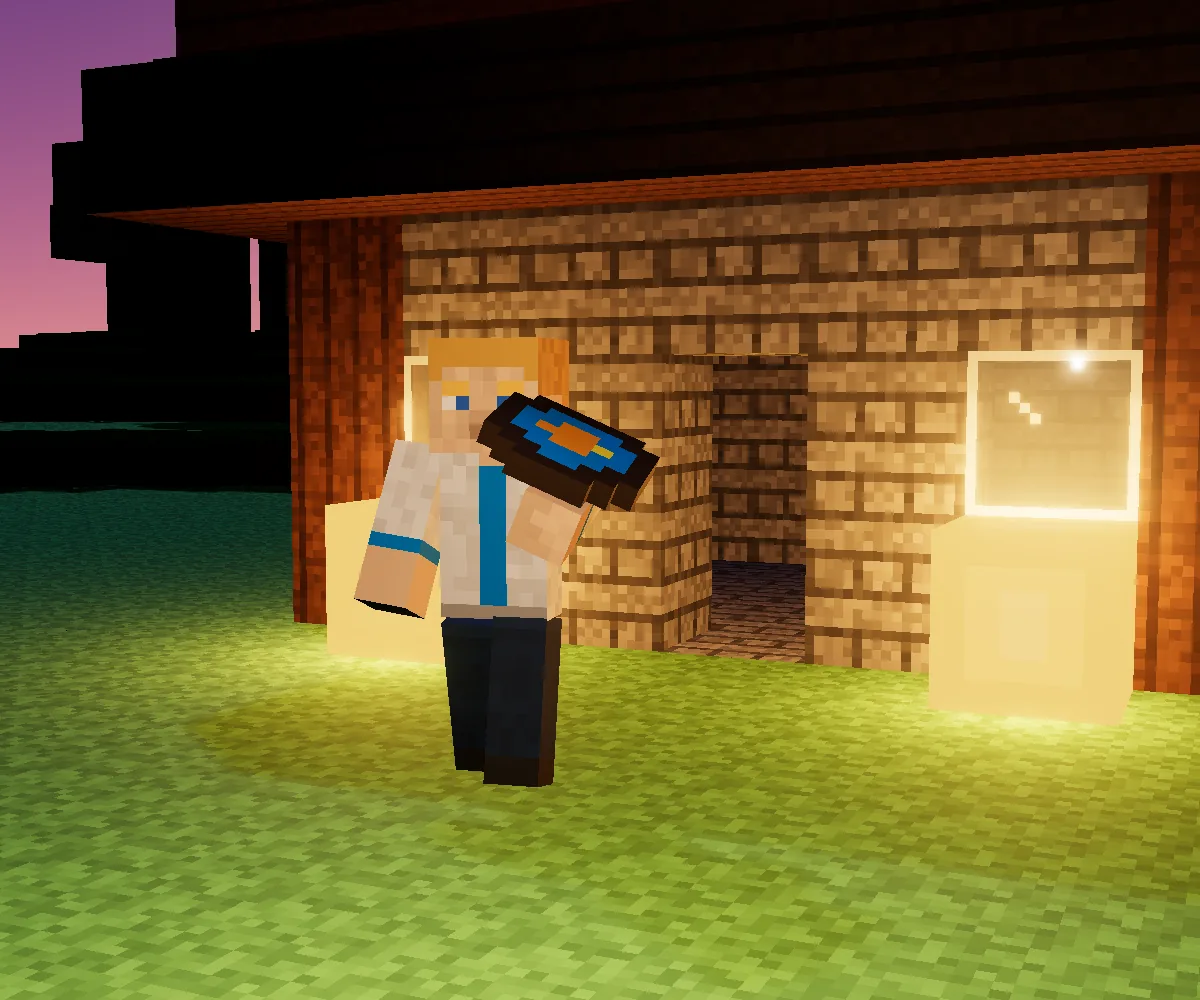
The pack is popular, which makes it a magnet for fake download pages. A few habits keep your device and account safe.
 OFFICIAL
The in-game Marketplace is the only official source. Purchases sync across devices and update automatically.
 AVOID
Free .mcpack, APK or “CurseForge” uploads of the pack are unauthorised copies. They can carry malware and never get fixes.
 BACKUP
Export a world copy before stacking several packs or testing betas. The pack is cosmetic, but other add-ons may not be.
The whole game feels new.Animation reaches every mob, item and movement, not just a few showpieces.
Still looks like Minecraft.Textures stay faithful, so it blends with vanilla builds and other packs.
Updated quickly.New game drops usually get matching support within weeks.
Easy to tune.The settings menu lets you switch off what you don't want.
It costs Minecoins.Actions and Stuff is a paid Marketplace pack.
Bedrock only.Java players have to piece together alternatives.
Server conflicts.Servers with their own packs can override the animations.
Some weight on old phones.Busy scenes with particles can cost frames on low-end hardware.
If you play Bedrock regularly and want the game to feel alive without changing how it plays, Actions & Stuff is one of the most complete upgrades on the Marketplace. If you're on Java or on a very old phone, look at the alternatives and tips in the guide first.
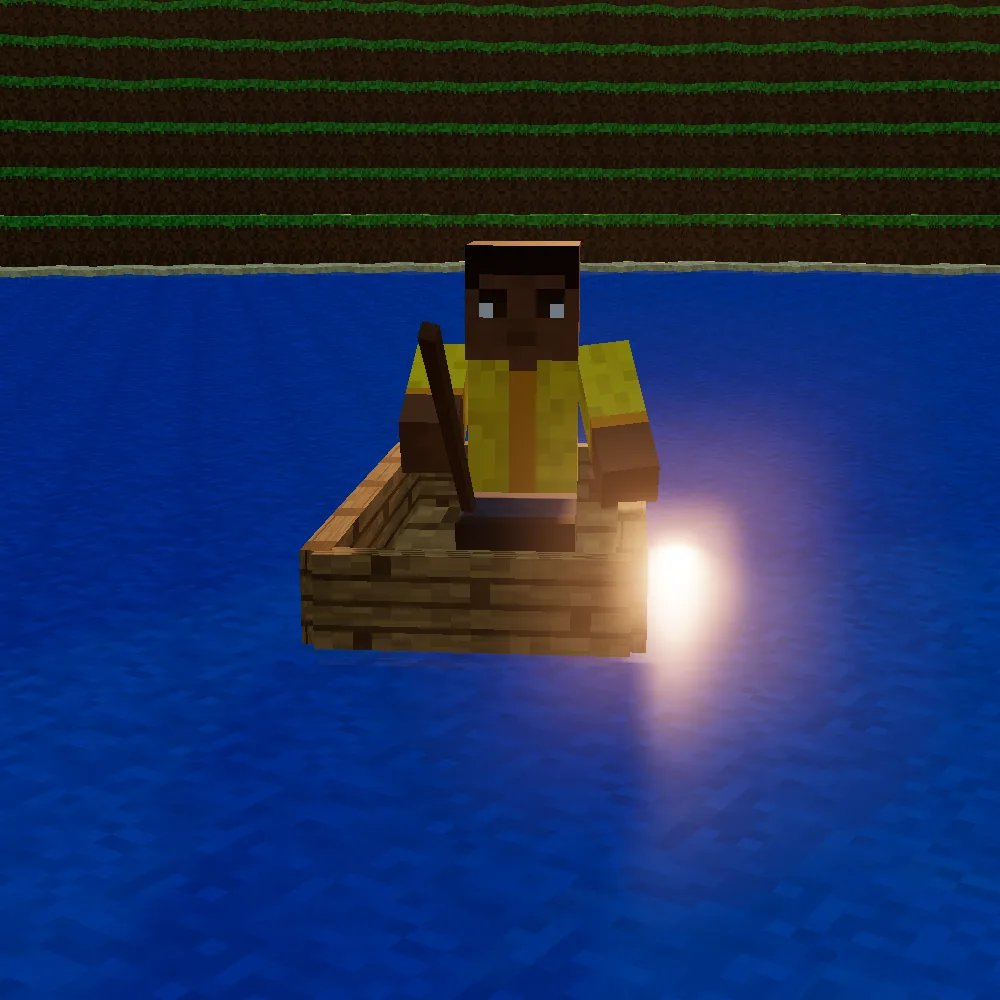
The questions that land in our inbox most often, answered briefly. For step-by-step detail, see the guides linked in the footer.
No. Actions & Stuff is a paid Minecraft Marketplace add-on from Oreville Studios. At launch it was listed at 1,690 Minecoins (roughly US $9.99); regional pricing and sales can change that figure. Once bought, every later update is delivered to the same account at no extra cost.
Oreville Studios, a Minecraft Marketplace partner. The pack first went live on 24 December 2024 and has been updated roughly every one to two months since, usually in step with Mojang's game drops.
The Marketplace listing shows Actions & Stuff 1.12, last updated on 8 October 2026. Version 1.10 (April 2026) added Tiny Takeover baby mobs, cherry-biome variants, playable morphs and the flip, roll and sit actions; 1.11 (June 2026) added the Sulfur Cube from the Chaos Cubed drop.
No. The pack is built on Bedrock's add-on system and is sold only through the Bedrock Marketplace. Java players usually combine Fresh Animations with Entity Model Features and Entity Texture Features, or try fan recreations such as Actions & Such. These are separate projects and none of them is made by Oreville Studios.
There is no official APK, .mcpack or CurseForge release. Files labelled that way are re-uploads of a paid pack: they are unauthorised, never receive official updates and are a common way to spread malware. On Android you install Minecraft from Google Play and buy the add-on inside the game's Marketplace.
Yes. After purchase it can be applied to your own worlds and to Realms you own. On third-party servers results vary, because servers often push their own resource packs, which can override or conflict with the add-on's animations.
It adds animated geometry, 3D items and particles, so there is some cost. Most players on recent hardware notice little difference. On older phones, lower the render distance and use the pack's settings menu to turn off the heavier extras such as rain particles or 3D tools.
Yes. Since version 1.10 the pack has a settings menu covering items such as 3D tools, morph visibility, entity variants, enchantment glint, totem opacity and rain particles. Open it from the pack's settings in the resource-pack screen.
No. The pack only changes how things look and sound: animations, models, textures, particles and audio. Mob behaviour, loot and world generation stay vanilla, so you can remove the pack at any time without damaging a world.